


Your Games
Access the PSG1 browser on the device
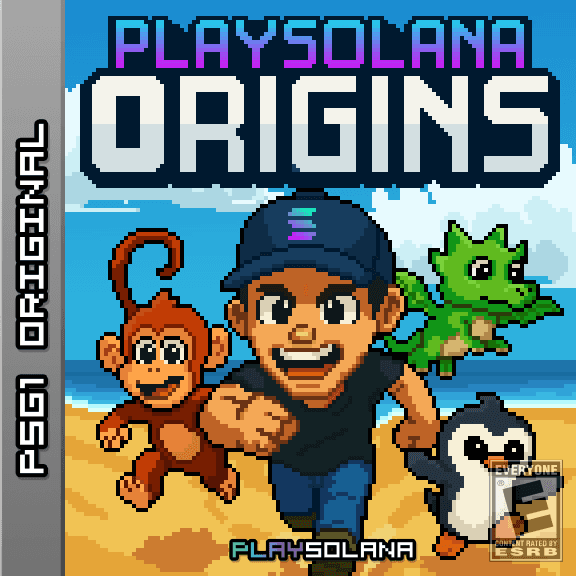
Play Solana: Origins
PlaySolana: Origins is an RPG that takes players on an engaging journey through the world of Solana.
Recently Played
Play Solana Gen1 (PSG1)
First Gaming
Console
on Solana


+10 other designs
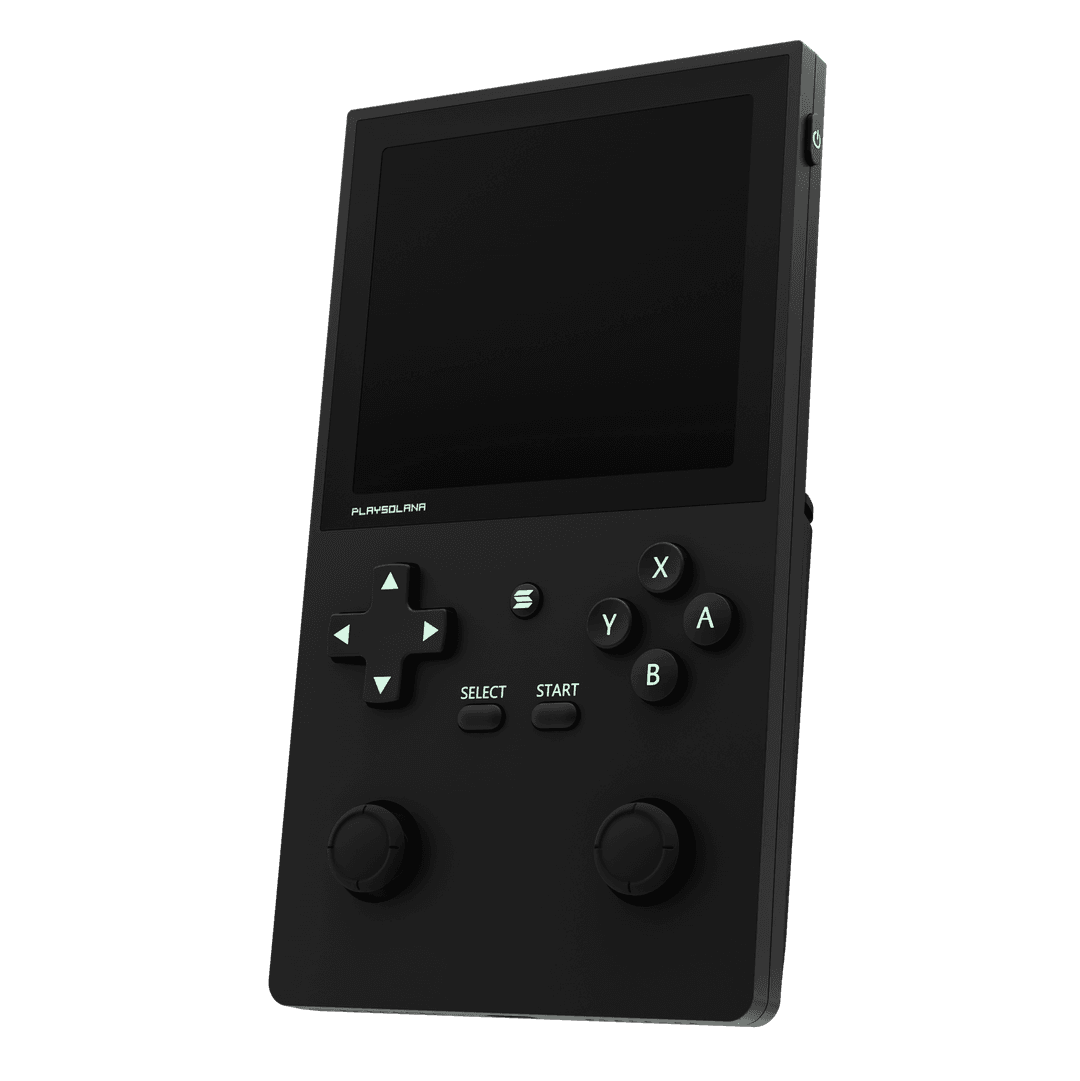
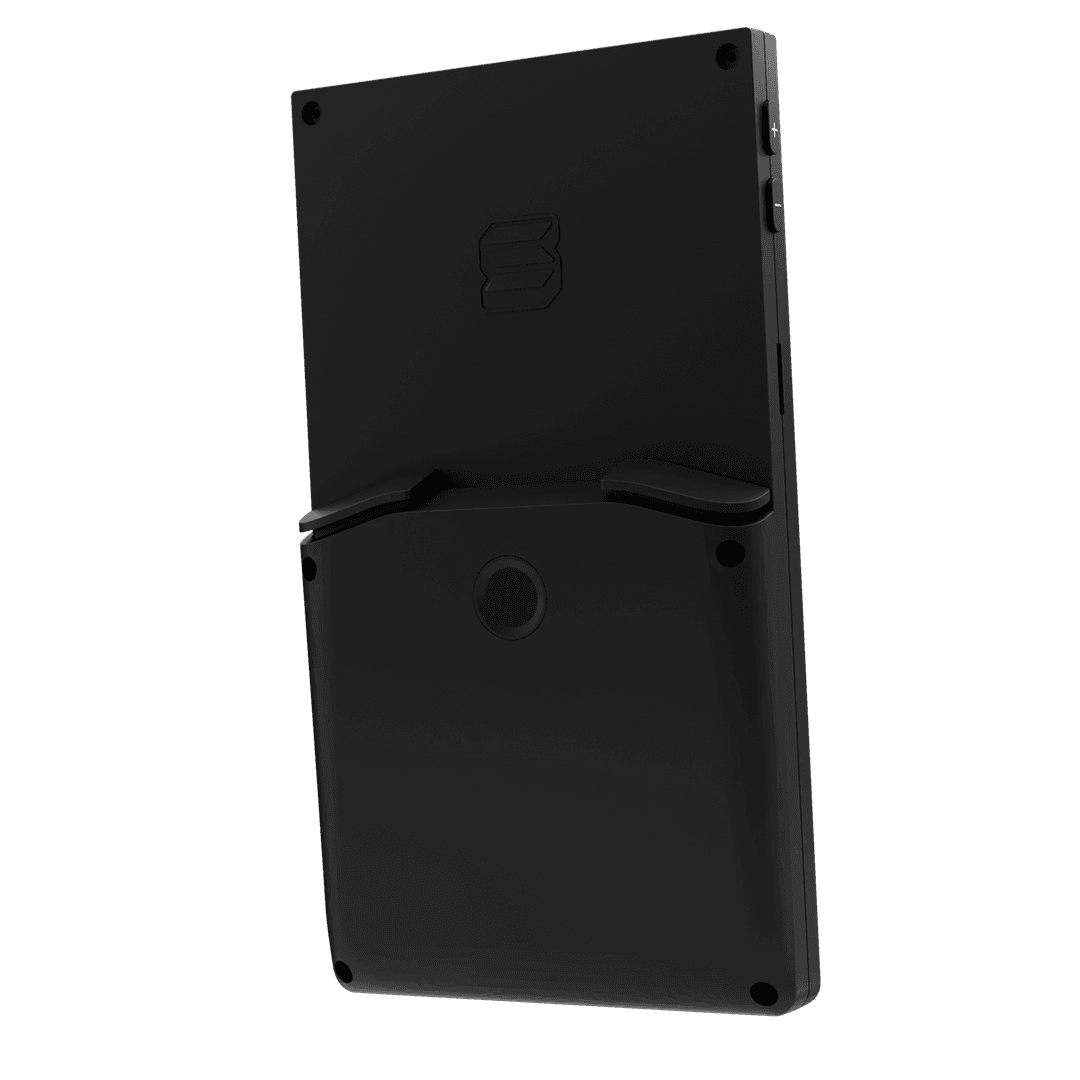
Single Purchase. Lifetime Perks
Vibrant
Display
Fingerprint
Sensor
Hardware
Wallet
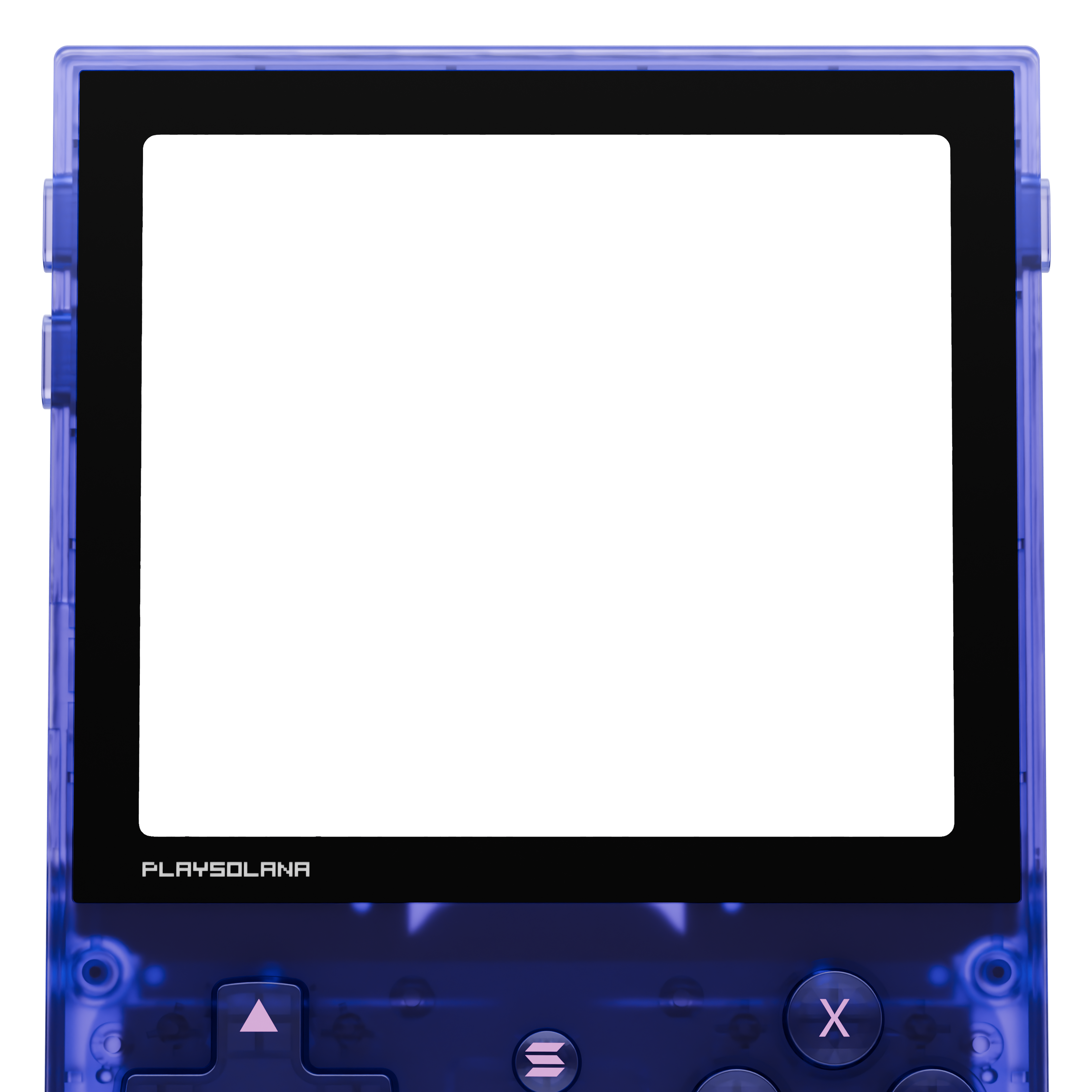
PSG1 is a retro-futuristic handheld gaming device designed to redefine Web3 gaming. Combining the power of nostalgia of the classic Game Boy with cutting-edge computing technologies, this Android-based console delivers a powerful, mobile-like platform for a premium gaming experience.
Welcome to the future of gaming! Play Solana is your gateway to the Web3 gaming revolution. PSG1 is not only a handheld device that lets you play and win; it empowers a fully tokenized economy to make you earn.
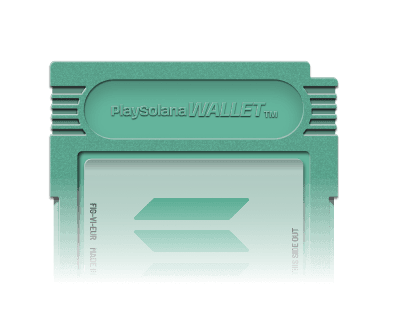
With a built-in hardware wallet, PSG1 provides a trustworthy seed vault, facilitating access to your tokens, NFTs, and rewards while playing. Focus on gaming; let the secure wallet management and abstraction for us!
Focus on gaming; forget the hassle of Web3 technologies and SDKs integration — play, play, play, and enjoy. Assess your scores and performance on Play Solana Dashboard for desktop or mobile.


















PSG1 in the wild 👾
Community posts from people worlwide.

vitinha.sol @vitorhsr99

kartune @kartunetwork93

DWoestnb1 @dwoestnb1

The Crypto Hoarder @trader6ix

de.monke (blkn/acc) ⚜️ @nikyola_demonke

Dumay Deystvuy @dumaydeystvuy

Jack V @jackv8891

Dejvw @dejvwv

Djuz @djuz_82

Px ⚡ px3vubit.sol @px3vubit

Cristian Daniel @da3373

Play Solana | PSG1 @playsolana

junshen.sol (@CatLumpuer ver.) @_junshen18

Play Solana | PSG1 @playsolana

Jaam @jaamjaam22

Chapondemer | Okoze @chapondemer1

Talon @talonsol

Ivan66915764 @ivan66915764

Robert @drewnikocur

LipeZera @lipesolana

vitinha.sol @vitorhsr99

donotrevengetrade 1-5% port always dca take profit @lame2hero

Z-KryMoh | FLUX Inc. @z_krymoh

MrNameless @0xmrnameless

0xjay @0xjay
vitinha.sol @vitorhsr99
kartune @kartunetwork93
DWoestnb1 @dwoestnb1
The Crypto Hoarder @trader6ix
de.monke (blkn/acc) ⚜️ @nikyola_demonke
Dumay Deystvuy @dumaydeystvuy
Jack V @jackv8891
Dejvw @dejvwv
Djuz @djuz_82
Px ⚡ px3vubit.sol @px3vubit
Cristian Daniel @da3373
Play Solana | PSG1 @playsolana
junshen.sol (@CatLumpuer ver.) @_junshen18
Play Solana | PSG1 @playsolana
Jaam @jaamjaam22
Chapondemer | Okoze @chapondemer1
Talon @talonsol
Ivan66915764 @ivan66915764
Robert @drewnikocur
LipeZera @lipesolana
vitinha.sol @vitorhsr99
donotrevengetrade 1-5% port always dca take profit @lame2hero
Z-KryMoh | FLUX Inc. @z_krymoh
MrNameless @0xmrnameless
0xjay @0xjay
vitinha.sol @vitorhsr99
kartune @kartunetwork93
DWoestnb1 @dwoestnb1
The Crypto Hoarder @trader6ix
de.monke (blkn/acc) ⚜️ @nikyola_demonke
Dumay Deystvuy @dumaydeystvuy
Jack V @jackv8891
Dejvw @dejvwv
Djuz @djuz_82
Px ⚡ px3vubit.sol @px3vubit
Cristian Daniel @da3373
Play Solana | PSG1 @playsolana
junshen.sol (@CatLumpuer ver.) @_junshen18
Play Solana | PSG1 @playsolana
Jaam @jaamjaam22
Chapondemer | Okoze @chapondemer1
Talon @talonsol
Ivan66915764 @ivan66915764
Robert @drewnikocur
LipeZera @lipesolana
vitinha.sol @vitorhsr99
donotrevengetrade 1-5% port always dca take profit @lame2hero
Z-KryMoh | FLUX Inc. @z_krymoh
MrNameless @0xmrnameless
0xjay @0xjay
Discover the growing library of games and apps available across the Play Solana ecosystem.
PSG1 UpdatesEverything you need to know about Play Solana, PSG1, and the ecosystem. Can't find your answer? Reach out to us directly.
Play Solana is a full-stack gaming ecosystem built on Solana. We are building the hardware, software, gaming distribution layer, identity layer, and developer tools needed to make Web3 gaming feel native, simple, and accessible. Our ecosystem includes PSG1, EchOS, PlayVerse, PlayDex, PlayGate, NFTs, $PLAY, and more.
PSG1, or Play Solana Gen1, is the first Web3 handheld gaming device built for Solana gaming. It combines a handheld gaming experience with Solana-native features, wallet support, digital ownership, and access to the games and apps available through the Play Solana ecosystem.
No. PSG1 is designed for both Web3 users and regular gamers. Think of PSG1 as a gaming-first device where Web3 features are integrated into the experience rather than layered on top of it.
$PLAY is the official token of the Play Solana ecosystem. Official $PLAY token address: PLAYs3GSSadH2q2JLS7djp7yzeT75NK78XgrE5YLrfq. Always verify the official token address through Play Solana's official channels before interacting with any token.
With PSG1, you can access the Play Solana gaming ecosystem, discover and install games through PlayVerse, use Solana-native wallet features, interact with NFTs, and participate in Play Solana experiences. PSG1 is designed to be your dedicated device for Solana gaming.
Yes. PSG1 Wave 2 is live. Unlike the earlier pre-order phase, PSG1 Wave 2 operates as a direct product purchase, backed by available stock. Orders placed to date have already been delivered, and Wave 2 continues as an active purchase wave. Availability may depend on your region, inventory, and shipping eligibility at checkout.
No. PSG1 Wave 2 is no longer operating as a pre-order. PSG1 is now sold as a direct product purchase while stock is available.
No, not on the consumer PSG1 device. PSG1 users can install games and apps available through the PlayVerse catalog. This keeps the experience safer, more consistent, and optimized for the device. Developers who want to submit a game should use PlayGate or acquire a PSG1 DevKit.
PSG1 is the consumer device for players. PSG1 DevKit is intended for approved builders, studios, and developers who need additional testing and development capabilities. On the consumer PSG1, users can only install games from the PlayVerse catalog. DevKits are designed for development, testing, optimization, and bringing games into the Play Solana ecosystem.
Yes. PSG1 supports touch input as part of the device experience. Developers should still optimize their games for PSG1 controls, screen format, and handheld gameplay whenever possible.
PSG1 has a 1240 × 1080 display resolution. Developers should adapt their game UI and gameplay to this screen format to avoid scaling, border, or layout issues.
You can buy PSG1 through the official Play Solana store at playsolana.com/products. Always use official Play Solana links and avoid third-party links shared through unofficial messages or unknown websites.
Shipping availability depends on your country. You can check whether your country is supported by entering your shipping address during checkout. If your country is not available, the system will not allow you to complete the order to that destination.
After purchasing PSG1, use the official order portal and the email address connected to your purchase to check your order status. Make sure to use the same email used during checkout, as it is the main identifier for your order.
Address changes depend on the current status of your order. If your order has not yet been prepared or shipped, contact Play Solana support at orders@playsolana.com or through a Discord ticket as soon as possible. Once an order is already in fulfillment or with the carrier, changes may no longer be possible.
Contact Play Solana support with your order email, order number, device details, and a clear explanation of the issue. If the issue is related to device functionality, include photos, videos, screenshots, or error messages when possible.
You can find legal and compliance information in the Play Solana Compliance Hub at playsolana.com/compliance. It includes information about store terms, returns and refunds, privacy, terms of use, PSG1 warranty, product safety, and developer publishing rules.
PlayVerse is the Play Solana gaming store for PSG1, giving players a simple way to discover, install, launch, and update games available in the Play Solana ecosystem.
Open PlayVerse on your PSG1, browse the available catalog, choose the game you want, and install it directly from there. Only games available in the PlayVerse catalog can be installed on the consumer PSG1 device.
Yes. When a game update is available, PlayVerse is where you can access the latest version. Some system-level improvements may still require an EchOS update — check the device itself or visit psg1.playsolana.com for more information.
No. The consumer PSG1 is designed around the PlayVerse catalog. This helps keep games safer, curated, compatible, and optimized for PSG1. Developers who want to publish a game on PSG1 should submit it through PlayGate or acquire a DevKit.
EchOS is Play Solana's custom OS layer built specifically for PSG1. It powers the full device experience, including PlayVerse, wallet interactions, system updates, gaming access, and ecosystem features.
PSG1 uses EchOS because Solana gaming requires a more focused experience than a standard mobile interface. EchOS allows Play Solana to build a gaming-first environment with native ecosystem features, better control over updates, curated access to games, and a smoother experience for both players and developers.
When a new EchOS update is available, PSG1 will guide you through the update process. Make sure your device is connected to a stable internet connection and has sufficient battery before starting. Older versions were updated through an OTA System Update, but all updates are now handled through PlayVerse.
Keeping EchOS updated improves performance, compatibility, security, and access to the latest PSG1 features. Some games, apps, wallet features, or PlayVerse improvements may require a recent EchOS version to work correctly.
PSG1 has an exclusive partnership with Jupiter. Jupiter Wallet is the only native wallet experience on PSG1. It is the recommended and supported wallet flow for PSG1-native gaming and ecosystem interactions.
No. Phantom and other external wallets are not supported as native wallet experiences on PSG1. Developers should not require Phantom or other external wallets for PSG1 games. Instead, games should use Mobile Wallet Adapter-compatible flows that allow Jupiter Wallet to work correctly on the device.
Mobile Wallet Adapter (MWA) is a wallet connection standard that allows apps and games to connect with compatible wallets in a mobile environment. On PSG1, developers should use MWA-compatible wallet flows so their games can connect properly with Jupiter Wallet. See the Mobile Wallet Adapter documentation for implementation details.
SvalGuard is the secure gateway to on-chain finance on PSG1. Built on the device's security primitives (TEE and SE), SvalGuard isolates all cryptographic operations from the Android layer, ensuring every transaction is executed within a hardware-protected enclave. Through native integration with Jupiter's DeFi suite, users can stake, swap, and manage liquidity directly from their console.
Only use official Play Solana links and channels. Never share your seed phrase, private keys, or recovery phrase. Be careful with fake support accounts, fake claim links, fake airdrops, and impersonators. When in doubt, verify links through the official Play Solana website, Discord, X, or the Compliance Hub. Even though all games on PSG1 are curated, always use SvalGuard to protect your assets during gameplay.
The PSG1 Genesis Soulbound NFT is a non-transferable NFT connected to PSG1 ownership and ecosystem participation. It represents a user's connection to the PSG1 ecosystem and may be used across Play Solana experiences.
No. The PSG1 Genesis Soulbound NFT is soulbound — it is non-transferable by design.
No. You do not need an NFT to use PSG1 as a gaming device. However, certain NFTs may unlock ecosystem benefits, access, identity features, or participation opportunities within Play Solana.
Player1 is an NFT collection connected to the early Play Solana community and ecosystem. Player1 holders received early access benefits during earlier PSG1 stages and may continue to be part of future ecosystem experiences.
Player2 is part of the Play Solana identity and gaming ecosystem. It is designed to connect with player identity, customization, community participation, and future Play Solana experiences.
Developers can submit games through PlayGate, the Play Solana publishing and submission platform. PlayGate is used to review and prepare games for the PlayVerse catalog on PSG1.
Yes. To submit a game through PlayGate, an APK is required. This allows the Play Solana team to review, test, and prepare the game for the PSG1 experience.
Yes. PWA and TWA games are accepted as long as they are properly packaged and submitted as an APK through PlayGate. This allows web-based games to become installable and playable through the PlayVerse experience on PSG1.
Regular web games can be accepted if they are adapted into a PWA or TWA and submitted as an APK through PlayGate. A browser-only game on its own is not sufficient for the PlayVerse catalog.
Yes. For PSG1-native games that require wallet connection, Jupiter Wallet compatibility is mandatory. Games should use Mobile Wallet Adapter-compatible flows and must not depend on Phantom or other external wallets to function on PSG1.
Yes. Developers can choose how to monetize their games, as long as their approach follows Play Solana's publishing and compliance requirements. Play Solana recommends simple, player-friendly monetization flows that avoid unnecessary friction.
Play Solana follows a fee-free approach for third-party in-game transactions. Developers are not required to use a mandatory platform fee model. They can design their own economies as long as they follow Play Solana's publishing rules and compliance requirements.
PSG1 DevKit is a developer-focused version of the PSG1 experience, intended for approved builders, studios, and partners. It is used to test, optimize, and adapt games for PSG1 before making them available through PlayVerse.
Yes. Developers can use the PlaySolana Unity SDK and simulator to test screen behavior and input handling. For final testing and optimization, access to real PSG1 hardware or a DevKit is recommended. Android devices can also be used as a fallback during early development.
You can get help through Play Solana's official support and community channels — primarily through a Discord ticket or by emailing orders@playsolana.com.
Make sure your PSG1 is connected to a stable Wi-Fi network and has sufficient battery. Restart the device and check again for the update. If the issue persists, contact support with your current EchOS version, device details, and any error message shown on screen.
Check your internet connection, restart PlayVerse, and try installing the game again. If the problem persists, contact support with the game name, your device details, and any error message shown during installation.
Make sure the game or app is using the supported PSG1 wallet flow with Jupiter Wallet. If the issue persists, restart the app, check for available updates, and contact support with the game name, the wallet flow used, and any error message you see.
Use the official Play Solana website as your starting point. From there, you can access official links for PSG1, PlayDex, PlayGate, developer tools, the Compliance Hub, and official community channels. The Play Solana website footer lists all official ecosystem destinations.