
ENEI workshop: build games, squad up, and ship a PSG1 prototype.
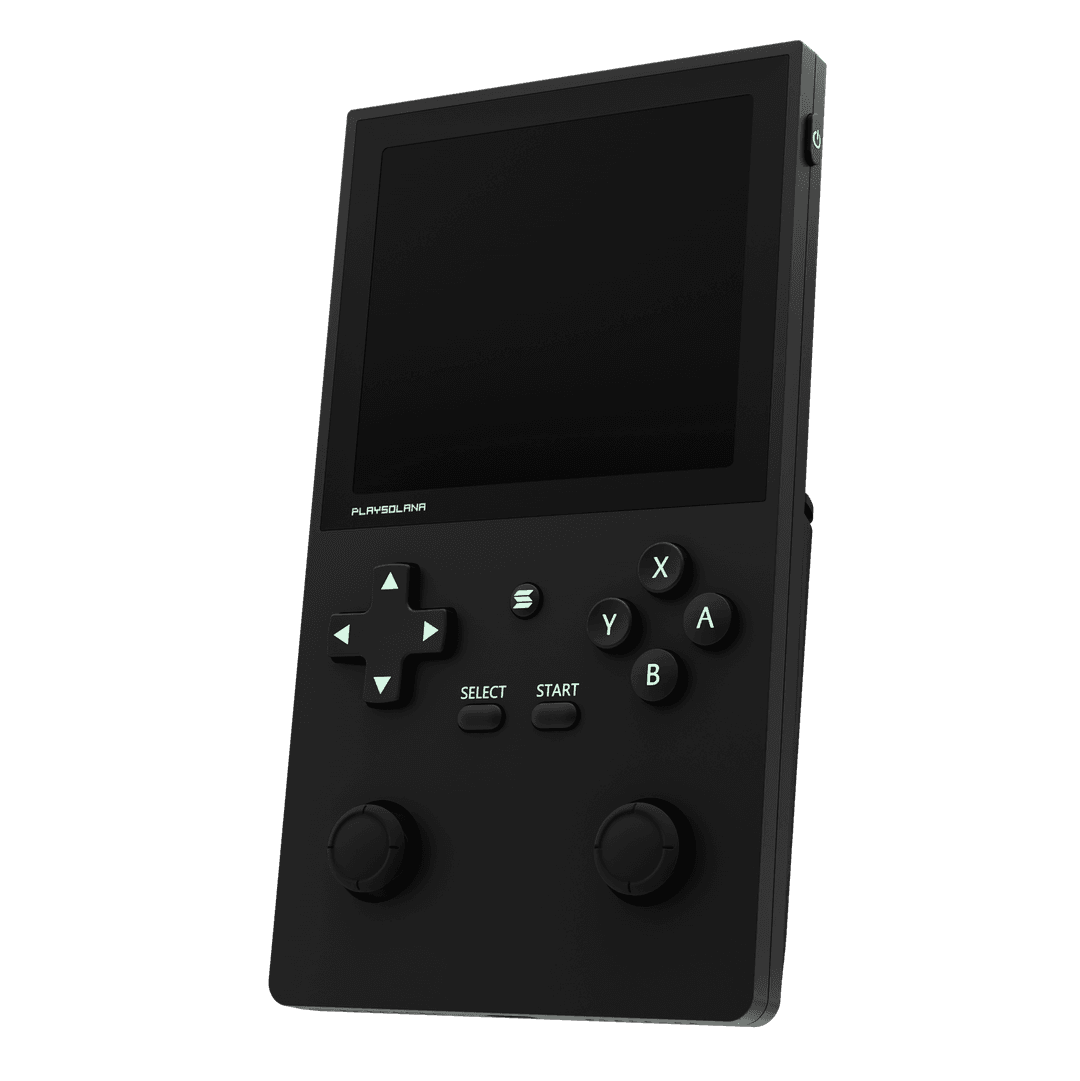
A PlaySolana Education route for ENEI 2026 students learning Unity, game production, and web3 gaming through a fast playable build.
Event
ENEI 2026
Forum Braga, 9-12 Abril. Workshop PlaySolana.
Build
Unity Run
Criar um loop jogável e preparar uma submissão.
Prize
PSG1 Quest
Projetos aceites podem ganhar uma PSG1 grátis.
Workshop Deck
ENEI-2026
Build Status
>Forum Braga room is live.
>Unity workshop route loaded.
>PlayGate submission path ready.
>Speaker roster ready.
Date
9-12 Abril
Location
Forum Braga
Build
Unity + PlaySolana
Team
2 crew
Speakers & Workshop Hosts
Meet the crew leading the ENEI 2026 workshop and guiding you through the Unity game development process.
Gonçalo Silva
Blockchain Game Developer
Five levels from setup to playable loop
Move through the basics, make the prototype work, and leave with a clear path to the PlayGate submission.
Level 1
Tools & Setup
Unity 6000.0.65f1, Android Build Support, starter assets, IDE, and PlaySolana SDK.
Level 2
Industry Map
A fast tour through game eras, platform shifts, and what students can build now.
Level 3
Production Loop
Design, art, programming, QA, feedback, and iteration without the studio jargon.
Level 4
Unity Basics
Objects, scripts, lifecycle, collisions, movement, and simple gameplay logic.
Level 5
Flappy Bird Run
Turn the lesson into a playable mini-game before the timer hits zero.
Grab the workshop cartridges and submission links
Open the ENEI page, install the SDK, download the prototype assets, join the student lobby, and keep PlayGate ready for the final quest.
QR codes for the room
Put these on slides, posters, or the projector so students can jump straight into the event page, Discord, and PlayGate submission route.
Create a PSG1 game and submit it on PlayGate.
The workshop ends with a real mission: make a small game, submit it to PlayGate, and enter the prize track. Accepted workshop projects can win a free PSG1, with more prizes coming as the program grows.
Submission route
Cheat sheet para o build
Uma referência rápida para consultar durante o workshop. Usa estes comandos quando estiveres a montar o loop do jogo em Unity.
Lifecycle
Awake()>Corre 1º. Inicializa referências ao próprio objeto.
Start()>Corre antes do 1º frame.
Update()>Corre a cada frame.
OnEnable() / OnDisable()>Corre ao ligar/desligar o objeto.
Gestão de Memória
Instantiate(prefab, posição, rotação)>Clona um modelo em tempo real.
Destroy(gameObject)>Apaga da cena e liberta memória.
Queries
GetComponent<Type>()>Procura um componente dentro do próprio objeto.
FindAnyObjectByType<Type>()>Procura na cena o 1º objeto deste tipo.
FindObjectsByType<Type>(FindObjectsSortMode.None)>Devolve um Array com todos os objetos deste tipo na cena.
Camera.main.ScreenToWorldPoint(vetor)>Traduz os limites do ecrã para coordenadas matemáticas.
Física e Utilidades
OnTriggerEnter2D(Collider2D c)>Dispara quando damos trigger a um collider.
CompareTag("Name")>Verifica se a colisão é feita com um objeto com uma tag específica.
Translate(vetor)>Adiciona um vetor à posição atual.
InvokeRepeating() / CancelInvoke()>Inicia/para um timer que chama uma função em intervalos de tempo.
Copy the full Unity scripts
The cheat sheet stays as a quick reference. These cartridges hold the complete scripts for the build, with spoiler panels so students can open and copy only what they need.
Player Controller
Player.cs
Gravity, jump input, game-over collision, and score triggers for the player object.
Background Parallax
Parallax.cs
Moves the background material offset so the world feels alive while the player flies.
Ground Loop
GroundParallax.cs
Slides the ground to the left, then resets it to the spawn point for an endless runner feel.
Pipe Behaviour
PipeBehaviour.cs
Moves each pipe, checks the left screen edge, and destroys old objects.
Game Manager
GameManager.cs
Controls score, game-over UI, pause/play state, and cleanup when restarting.
Pipe Spawner
Spawner.cs
Spawns pipe prefabs at timed intervals and random heights until the game stops.